Product
macOS · Apple Silicon · Menu bar
See rNitro on your Mac
Menu bar monitor with Advisor, Chat, Chat Config, App cleaner, Lab, and Settings — built for macOS 14+ (Sonoma and later).
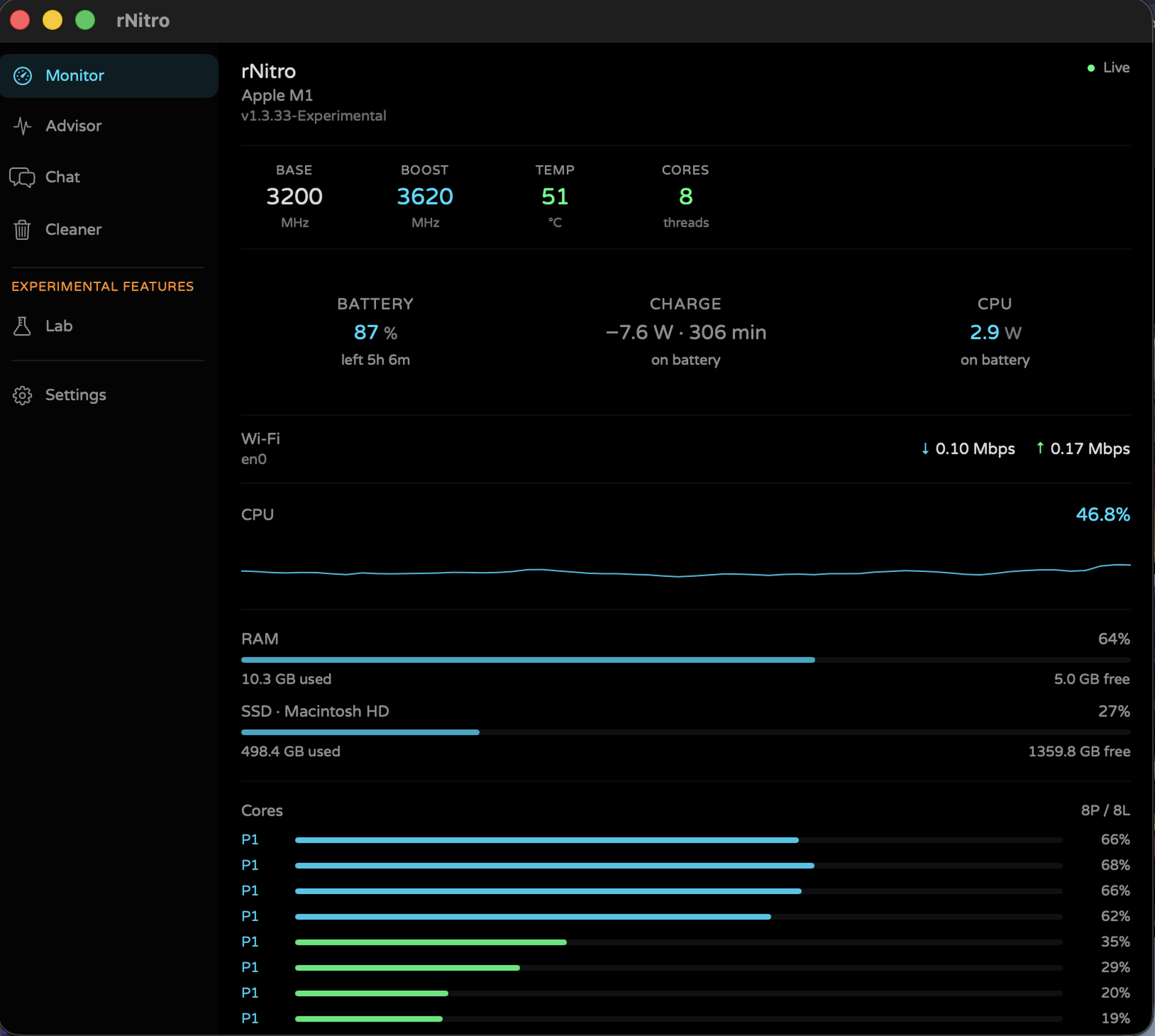
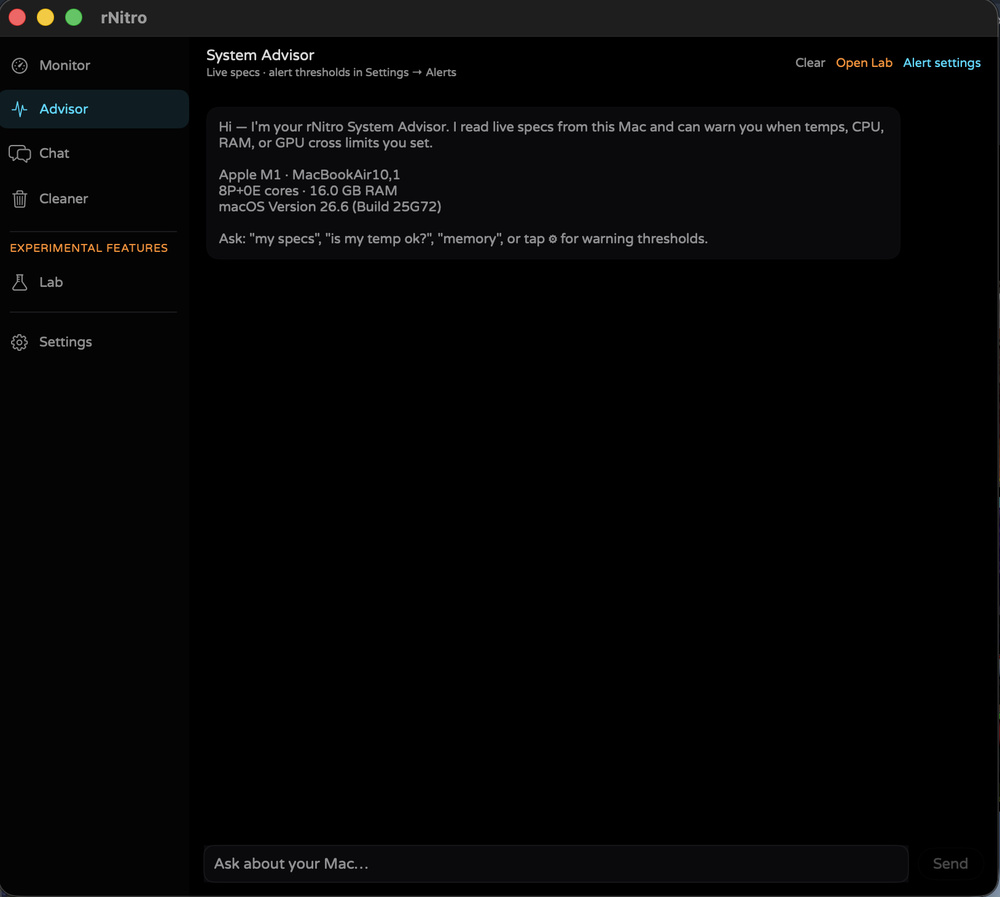
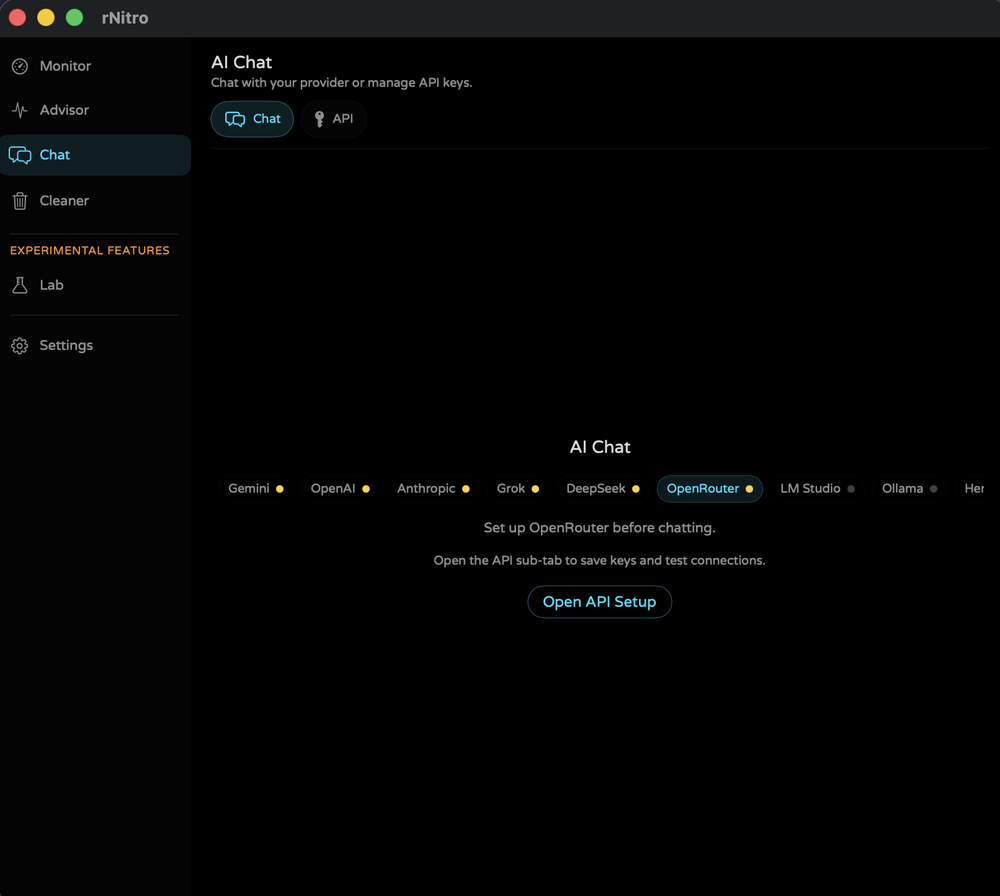
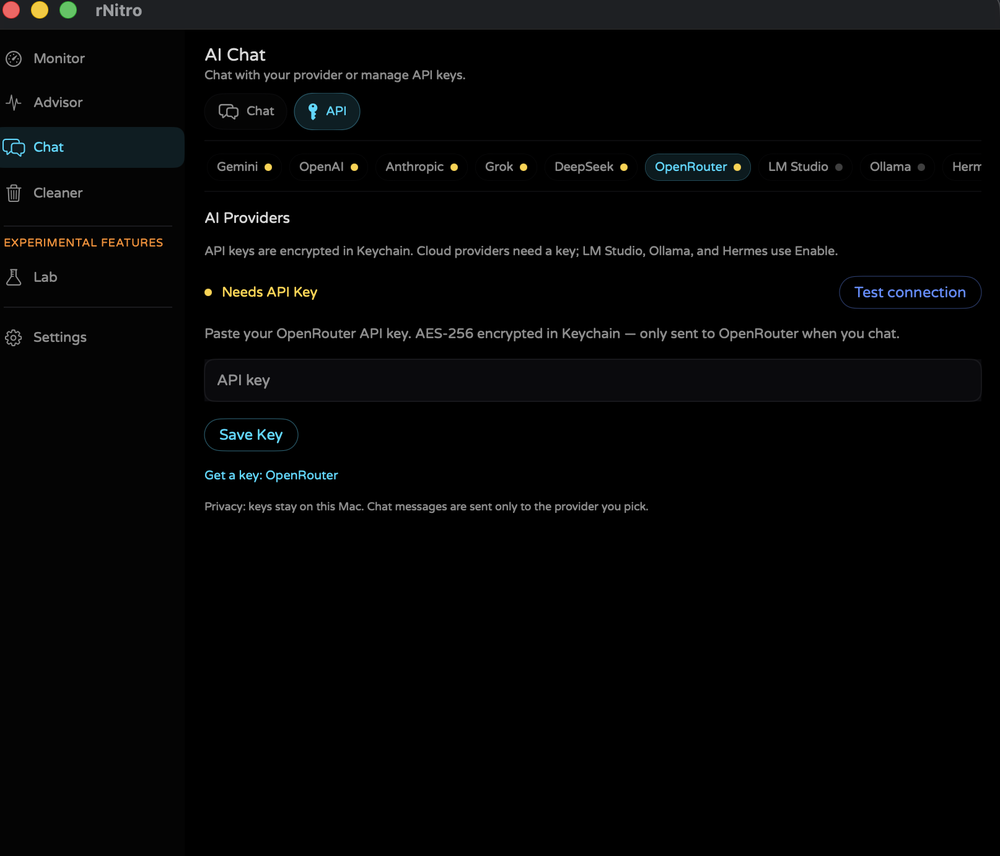
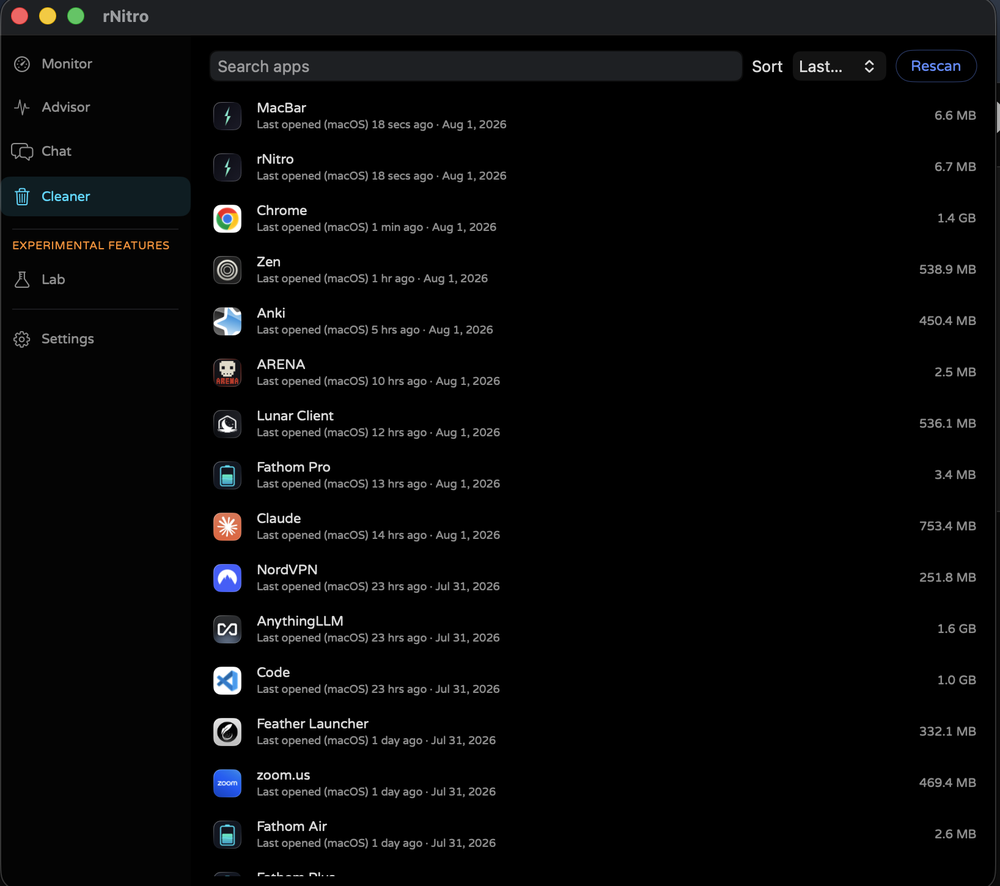
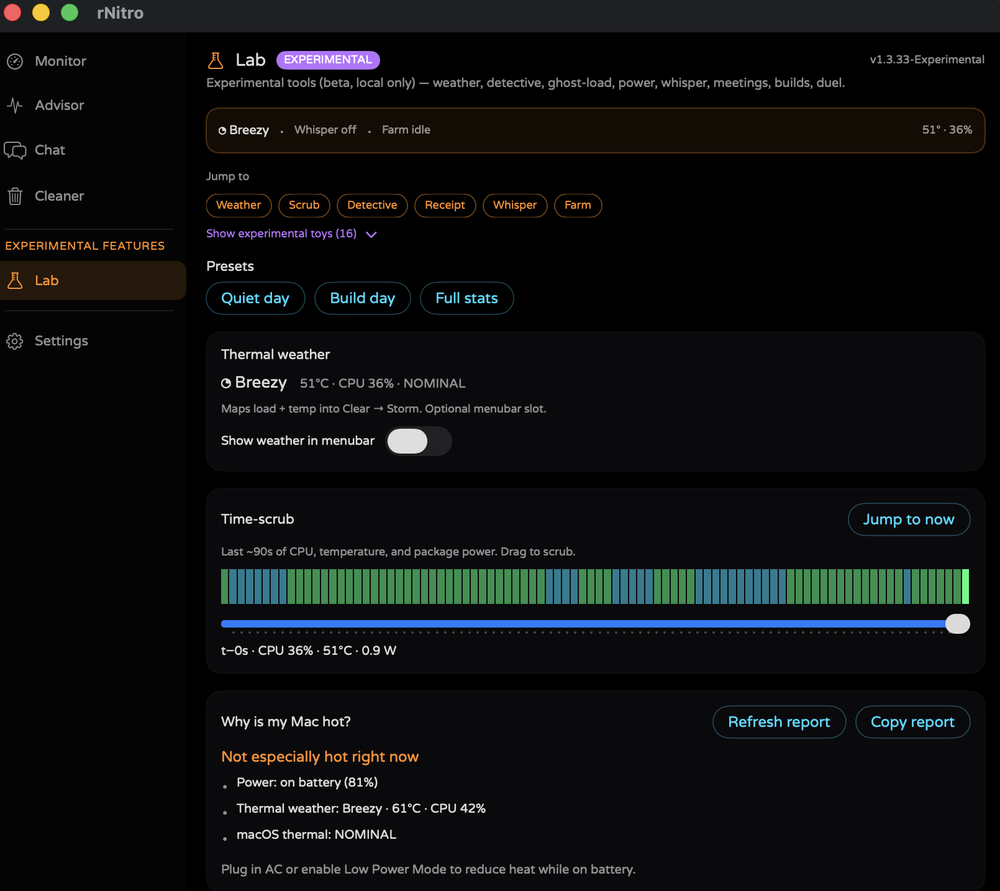
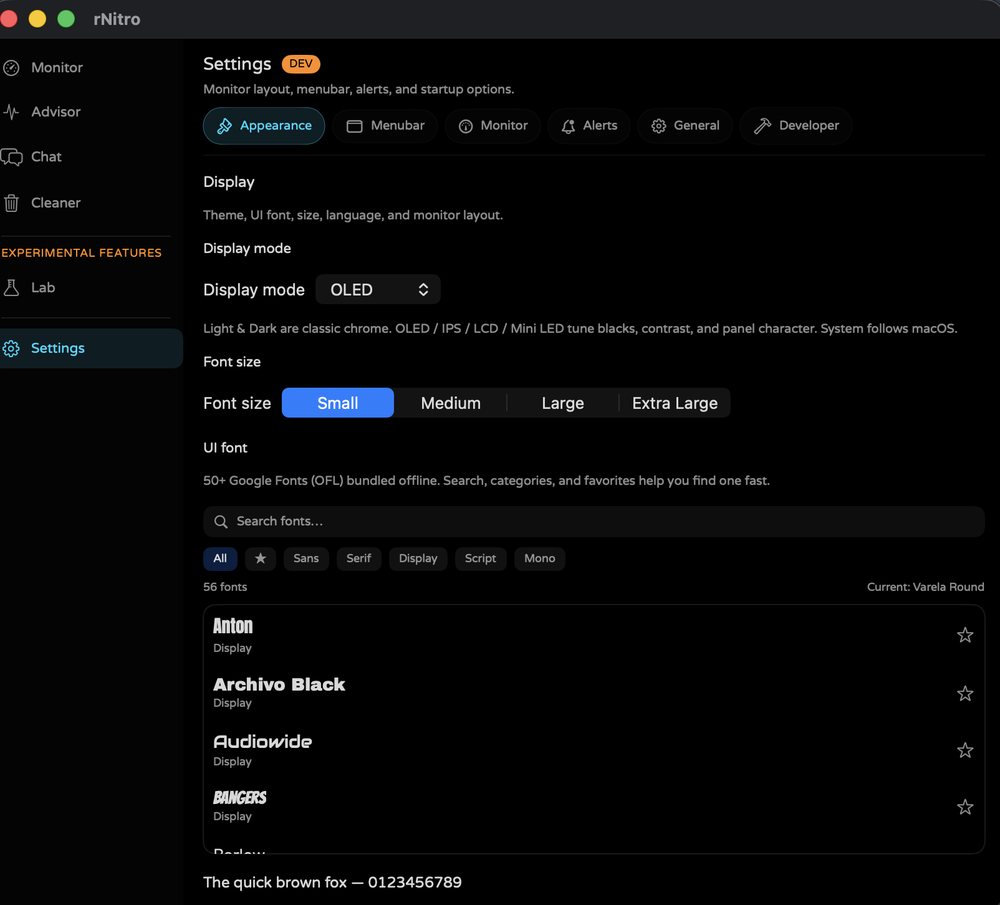
Menu bar · Apple Silicon & Intel · macOS 14+
Made by chopsticks
Real-time CPU, temperature, memory, battery, and more — right in your Mac menu bar. Current: v1.3.32 · requires macOS 14+ (Sonoma or later). Free · no account · no telemetry.
Terms apply once per session · Apple Silicon
M1 / M2 / M3 / M4 → Apple Silicon. Older Intel Macs → Intel (compiles on your Mac · last updates through v1.2.5-Beta).
Builds are ad-hoc signed (not Apple-notarized yet). If macOS blocks the app: right-click rNitro.app → Open → Open. Prefer the App ZIP or Terminal install (no Xcode) from this site.
Unzip → Applications → right-click Open if blocked.
Terminal (no Xcode):
Needs Xcode CLT. Prefer App ZIP above.
| macOS 14+ | Supported. Use the current App ZIP above. |
| macOS 11–13 | No app build. Current rNitro uses SwiftUI APIs that need macOS 14+. Big Sur / Monterey / Ventura are not supported. See the info pack. |
| Mac OS X 10.x | Not supported. No binary — too old for modern SwiftUI. |
| Mac OS 8 / 9 | Not possible. Classic Mac OS is a different platform. No rNitro app exists. |
The info pack is documentation only — not an installer for Mac OS 8, OS X, or macOS 11–13.
Download the current build for Apple Silicon (or Intel installers below). Terms apply once per session. Also on GitHub Releases.
macOS · Apple Silicon · Menu bar
Menu bar monitor with Advisor, Chat, Chat Config, App cleaner, Lab, and Settings — built for macOS 14+ (Sonoma and later).
Latest stable and beta highlights.
rnitro lab status.
Nothing to do with rNitro — just a place to hang out and play. Add the server in Minecraft Java Edition and jump in.
One place to see what each build is, where it installs, and how updates work. New here? Download the macOS App ZIP (v1.3.32).
| Platform | Version | Status | Recommended download | Install location | Updates | What you get |
|---|---|---|---|---|---|---|
| macOS | v1.3.32-Experimental | Current | rNitro-v1.3.32-Experimental.zip | ~/Applications/rNitro.app | In-app updater on launch | Menu bar monitor, Lab tools, all AI providers, New style UI, display modes |
| CLI · Terminal | v0.2-cli | Active | rNitro-CLI.tar.gz | ~/bin/rnitro or /usr/local/bin/rnitro | Manual — re-download tarball or curl one-liner | btop-style TUI: CPU, RAM, disk, network, battery, top processes; macOS + Linux; Python 3 |
| Linux · Pre-release | v0.1-Linux-Beta-Pre-release-x64 | Pre-release | rNitro-v0.1-Linux-Beta-Pre-release-x64.tar.gz or install-rNitro-linux.sh | ~/.local/share/rnitro | Checks version.json on launch | GTK4 app: Monitor, Advisor, Chat, Cleaner; x86_64; needs Python 3.10+, GTK 4, libadwaita |
| Windows · Legacy | v4.2.4-Windows-Final-x86 | Deprecated | rNitro-v4.2.4-Windows-Final-x86.exe | %LOCALAPPDATA%\rNitro | Manual — check website or GitHub | Tray monitor only (CPU, temp, RAM, BTC); no AI chat or Cleaner; .NET 8 runtime for EXE |
| Format | Platform | What it is | Gatekeeper / runtime | When to use |
|---|---|---|---|---|
| App ZIP (recommended) | macOS | Pre-built rNitro.app — unzip and drag to Applications | Right-click → Open once if Gatekeeper blocks it | Fastest path; no admin password |
| PKG | macOS | Installer package → Applications | System Settings → Privacy & Security → Open if blocked | One double-click install; needs admin password |
| DMG | macOS | Disk image — drag app to Applications | Same as App ZIP on first open | Familiar Mac workflow |
| .sh shell installer | macOS | Full Swift source compiled locally with swiftc | No prebuilt binary downloaded — you read the script first | Maximum trust; ~30s compile on your Mac |
| Tarball + .sh | Linux | Python/GTK source tree + install-rNitro-linux.sh | Installer checks deps and sets up a venv | Pre-release; also on GitHub |
| EXE / .ps1 | Windows | Pre-built tray app or PowerShell compile via csc.exe | .NET 8 Desktop Runtime for EXE | Legacy only — macOS or Linux recommended for new installs |
| Step | What happens |
|---|---|
| Pick your platform tab | macOS, Linux, or Windows — the site auto-detects your OS |
| Accept Terms & Conditions | Agree continues download; Disagree returns home. Optional: remember for this browser session |
| Download recommended file | Green App ZIP card (current macOS build) — size shown on button |
| Install | Follow the How to install steps below for your tab |
| Updates | macOS: in-app prompt → download ZIP → replace app. Linux: checks same version.json. Windows: manual. |
| GitHub mirror | Current build also on GitHub Releases |
Agree to the Terms & Conditions on every download, then pick a format:
rNitro.app to Applications (recommended).rNitro.app to Applications.⚠ macOS security prompt: When you open the PKG, macOS may say it can't verify the file. That's normal for indie apps. Don't click Move to Trash. Click Done, then go to System Settings → Privacy & Security and press Open at the bottom.
No browser download needed — paste a one-liner in Terminal. It fetches the .sh installer (readable source), saves it to /tmp, then runs it:
Paste in Terminal (Apple Silicon Mac, Xcode CLT required). The script is saved to disk first — curl | bash is blocked on purpose.
Installs to ~/Applications/rNitro.app in ~30 seconds. Self-verifies its SHA-256 checksum before running.
If macOS blocks the app, right-click rNitro.app → Open once. No telemetry, no account — runs fully local.
Older builds are on rNitro Archives and GitHub Releases. Current: v1.3.32.
Fill this in and you’ll be redirected to GitHub Issues with your message ready to submit. That way the team actually receives it (no broken mail apps).
Surprise tools for the site. Shortcut: Ctrl+Shift+D · Konami for party mode.
Ready.